-
 Excel workbook preview
Procurement Toolkit: Reports, KPIs and Team Tools
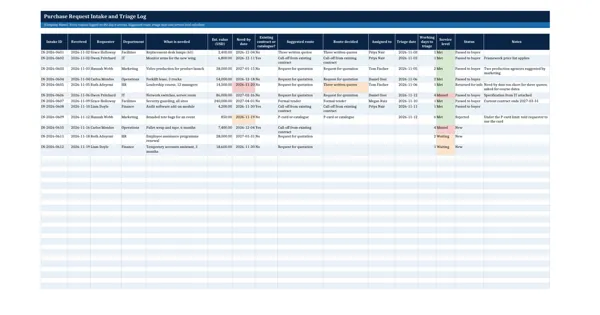
Purchase Request Intake and Triage Log
3 downloads per free account, no card needed.
Who this is for
A procurement team lead who receives requests by email, form and phone uses this so every request is logged, routed and picked up within the agreed time.
What is inside
- Suggested route calculated from the estimated value and your own value bands
- Existing contract or catalogue check sends the request to a call-off first
- Working days to triage and service level met, missed or waiting
- Need-by dates turn red when passed, amber when the lead time is under 10 days
- 12 sample requests and 24 blank rows, with dropdowns for route, buyer and status
- Summary: requests per route, average days to triage and % within the service level
How to use it: Log every request on the day it arrives, set your own value bands and triage service level on the Settings sheet, and record the route decided and the buyer.
Files & formats
- XLSXpurchase-request-intake-and-triage-log.xlsx15 KB
Opens in Microsoft Word or Excel, Google Docs or Sheets and LibreOffice. Delivered instantly from your browser.
Free downloads & full access
Every account gets 3 free downloads. Re-downloading a template you already have does not count. This template on its own is $7.99, and buying it keeps your free downloads for something else. Full access is a one-time $249 for all 300 templates, for life.
Bought with a different email? Open your account and enter your order number.
Licence
Use and adapt the document inside your own organisation or for your own clients. Do not resell or republish the templates themselves.
More in Procurement Toolkit: Reports, KPIs and Team Tools
Procurement Toolkit: Reports, KPIs and Team Tools
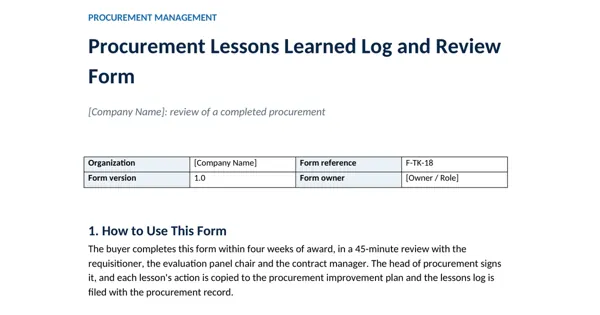
Procurement Lessons Learned Log and Review Form
Procurement Toolkit: Reports, KPIs and Team Tools
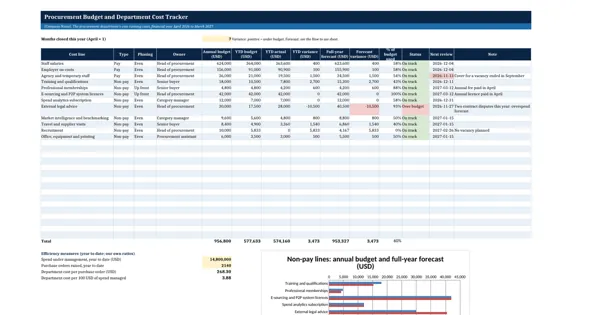
Procurement Budget and Department Cost Tracker
Procurement Toolkit: Reports, KPIs and Team Tools
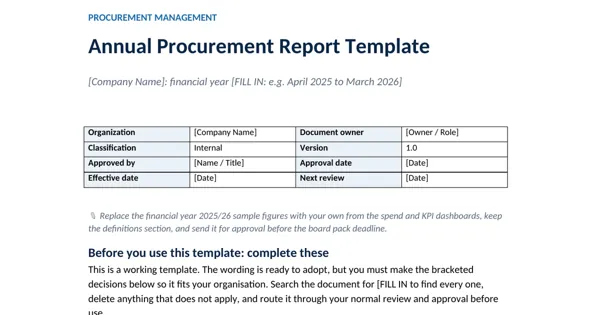
Annual Procurement Report Template
Procurement Toolkit: Reports, KPIs and Team Tools