-
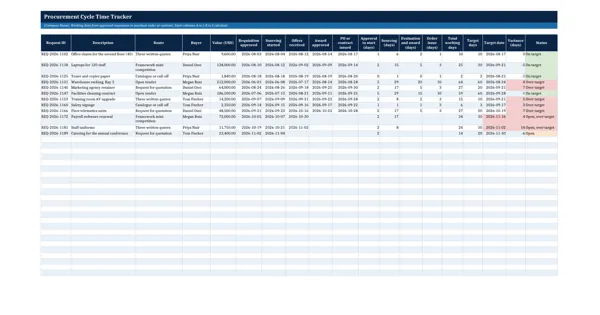 Excel workbook preview
Procurement Toolkit: Reports, KPIs and Team Tools
Procurement Cycle Time Tracker
3 downloads per free account, no card needed.
Who this is for
A procurement manager whom budget holders keep telling that buying takes too long downloads this to measure where the days actually go.
What is inside
- Working days per stage (approval to start, sourcing, evaluation and award, order issue) with NETWORKDAYS
- Target working days per route on a Settings sheet: 5 routes from catalogue to open tender
- Target date, variance and status (on target, over target, open) for every request
- 12 worked sample requests, 3 still open, and 24 blank rows
- Summary per route: completed, average days, % on target and open requests
- Chart of average working days per stage, so the slowest stage stands out
How to use it: Enter one row per approved requisition with the date each stage ended, and confirm the target days per route on the Settings sheet; stage days, status and the Summary calculate.
Files & formats
- XLSXprocurement-cycle-time-tracker.xlsx18 KB
Opens in Microsoft Word or Excel, Google Docs or Sheets and LibreOffice. Delivered instantly from your browser.
Free downloads & full access
Every account gets 3 free downloads. Re-downloading a template you already have does not count. This template on its own is $17.99, and buying it keeps your free downloads for something else. Full access is a one-time $249 for all 300 templates, for life.
Bought with a different email? Open your account and enter your order number.
Licence
Use and adapt the document inside your own organisation or for your own clients. Do not resell or republish the templates themselves.
More in Procurement Toolkit: Reports, KPIs and Team Tools
Procurement Toolkit: Reports, KPIs and Team Tools
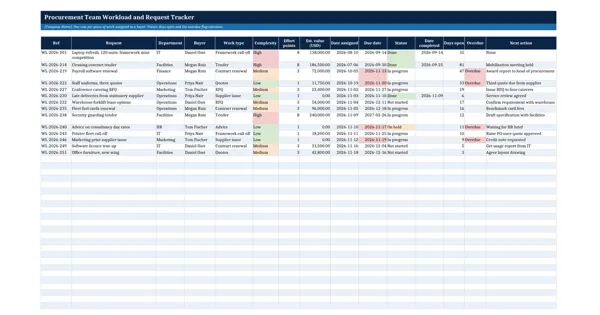
Procurement Team Workload and Request Tracker
Procurement Toolkit: Reports, KPIs and Team Tools
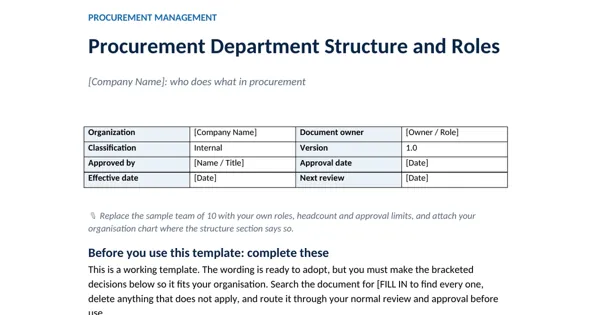
Procurement Department Structure and Roles
Procurement Toolkit: Reports, KPIs and Team Tools
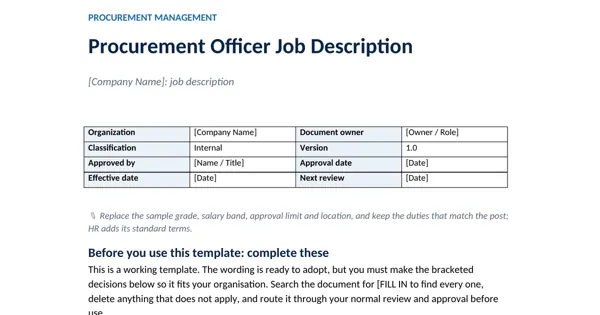
Procurement Officer Job Description
Procurement Toolkit: Reports, KPIs and Team Tools